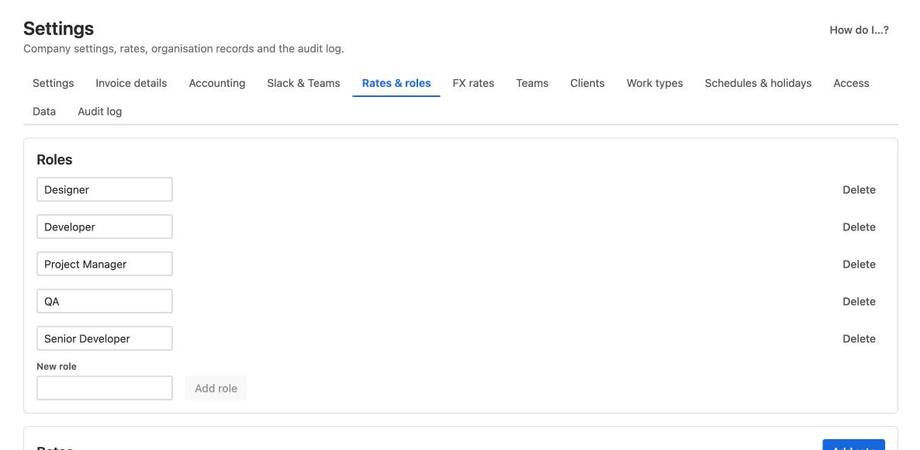
Project profit in Jira, per project, client and Epic
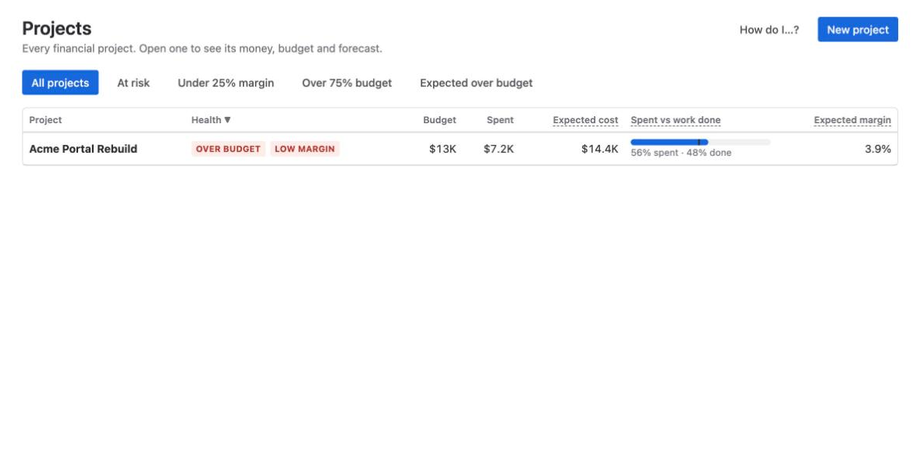
Biller Plus shows project profit in Jira: cost, earned value, profit and margin for every project, client and Epic, straight from Jira worklogs. There is no second timesheet.
Where the money went
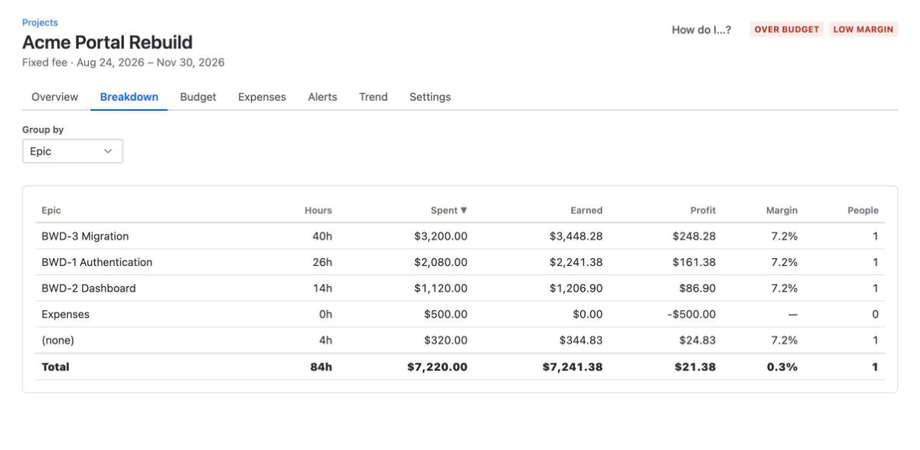
Breakdown shows where the money went, by Epic, issue, person or role.
How a project gets to its margin
The rules are the same for every project. This is the sample project in the screenshot, a $15,000 fixed fee.
| Number | Formula | Sample |
|---|---|---|
| Labour cost | Hours × effective cost rate | $6,720.00 |
| Total cost | Labour cost + expenses | $7,220.00 |
| Revenue (fixed fee) | Contract value × % complete | $7,241.38 |
| Profit | Revenue − total cost | $21.38 |
| Margin | Profit ÷ revenue | 0.3% |
| Value written off | Billable value − recognized revenue | $7,458.62 |
Value written off shows work done beyond the fee. Here, $14,700.00 of work at billing rates earned $7,241.38. All formulas are in the calculation rules.
Check every number
Every number traces back to the worklogs that produced it. Open a project, open Breakdown, and click a row to see the worklogs.
Rates stay private
Project managers see project totals. Individual cost rates stay hidden.
With hidden rate mode, people without rate access see money only for groups of 3 or more people. Person and worklog rows show hours only. A hidden amount cannot be found by subtracting visible rows from the total.